Find the right local number
Let GPS identify your current LGU using available coverage. See the emergency contacts for the place you’re actually in.
For every hometown. Every journey.
Know who to call, wherever the road takes you. Q-ALERT helps you find local emergency contacts—and keep downloaded numbers ready, even without internet.
Free for the community · Available on Android
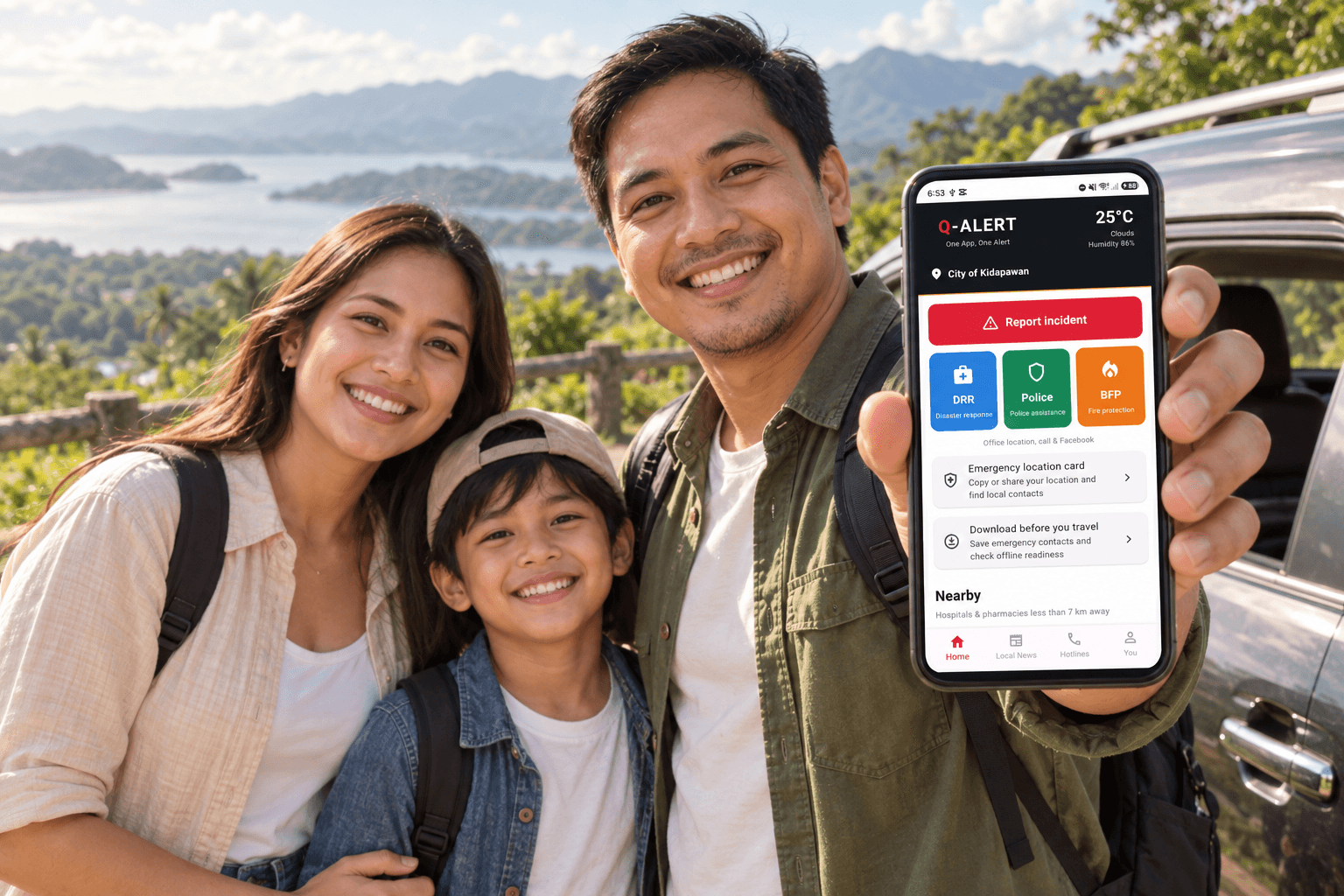
Local help, wherever you go.
Your location. Your local emergency contacts.
Contacts for your current LGU
Downloaded hotlines, available offline
Connect with participating LGUs
For residents, families & travelers
Whether you’re at home or visiting another municipality, find available DRR, police and fire contacts for your location in one familiar app.
Let GPS identify your current LGU using available coverage. See the emergency contacts for the place you’re actually in.
Save boundaries and hotlines for up to 3 LGUs. Look up downloaded contacts offline, and choose which saved area to replace for your next trip.
Read available local and weather updates. When online, send a basic incident report with its location to a participating LGU.
Download your areas while online. Offline location matching needs GPS and saved coverage; phone calls still need cellular service. Reporting and new updates need internet. Coverage varies by area.
A little preparation goes a long way
Download Q-ALERT on your Android phone and enable location access.
Open “Download before you travel” and save the LGUs you’ll visit while you have internet.
Use GPS to find matching saved contacts, or open your saved directory whenever you need it.
For cities & municipalities
Bring your local hotlines, community alerts and basic incident reports together. Give your team a map dashboard to see where citizens report an incident.
Incident reports
Flooded road
Poblacion · Sample report 1
Medical assistance
San Isidro · Sample report 2
Fallen tree
Mabini · Sample report 3
Read the report. Locate the incident.
One platform. Two ways to take part.
Residents download the app to find local services. LGUs subscribe to the dashboard to manage their information and receive basic incident reports.
A clearer connection between the people who need local information and the offices that provide it.
Start with a walkthrough of the incident map, alerts and hotline directory. We’ll prepare a subscription proposal for your team.
Let’s discuss your setup
Staff accounts, cloud hosting, backups, regular updates and technical support—outlined clearly in your proposal.
Verify your work email. LGU approval is required before access.
Good to know
Yes. The community Android app is free to download from Google Play. The LGU dashboard is a separate subscription for participating local governments.
Previously downloaded LGU boundaries and hotline directories stay on your phone. GPS can match your location to saved coverage without internet. You can also browse saved contacts. Calls need cellular service; new alerts and incident submissions need internet.
Q-ALERT uses your location to find available contacts for the LGU you are in. Before traveling, download your destinations—up to 3 LGUs—for offline access. Coverage and available contacts vary.
A basic incident report shares information and its reported location with a participating LGU. It does not guarantee dispatch or a response time. For urgent assistance, contact the appropriate emergency service directly.
Apply using your work email and verify it. We review your LGU representative status and arrange the subscription before dashboard access is activated.
At home or on the road